🌐 Web Interface
Access your EMS-ESP device through the modern web interface.
🔗 Accessing the WebUI
Access the WebUI via http://ems-esp or http://ems-esp.local. The ems-esp is the name of the WiFi hostname as defined in the WiFi Settings page.
📱 Interface Screenshots
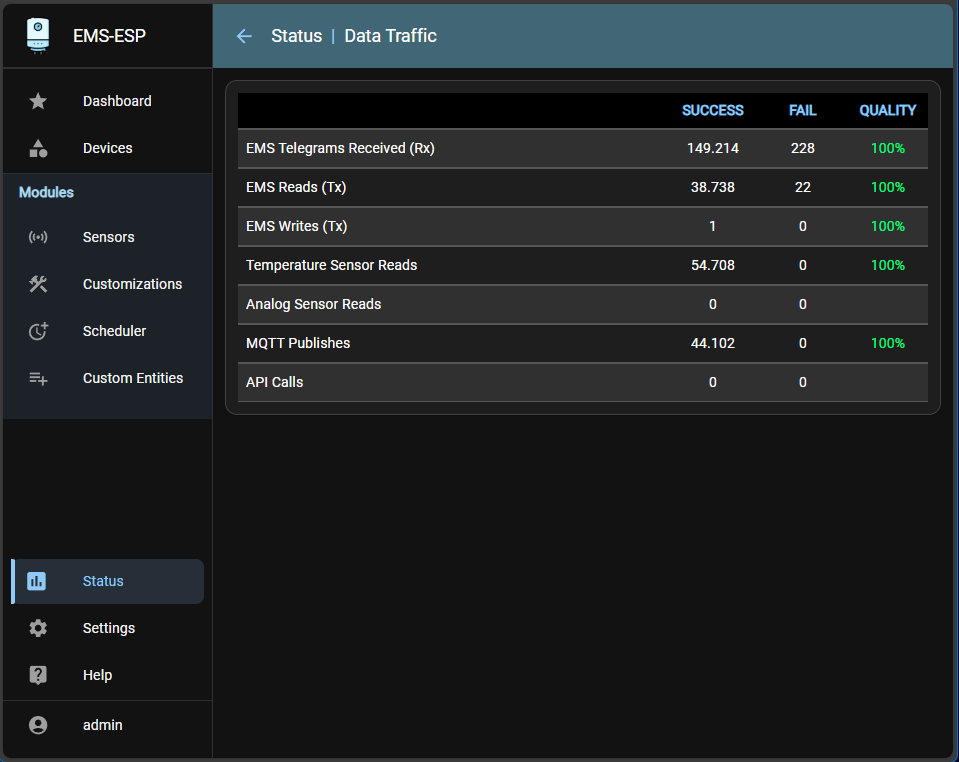
📊 Status Dashboard
Monitor your EMS system status and real-time data
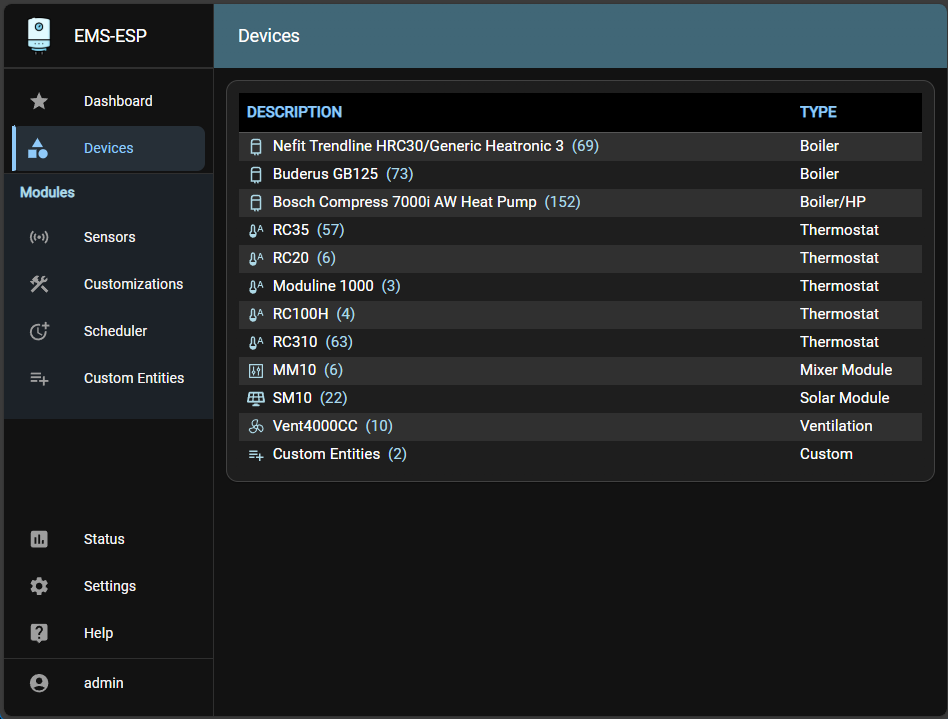
🔧 Device Management
Configure and manage your EMS devices
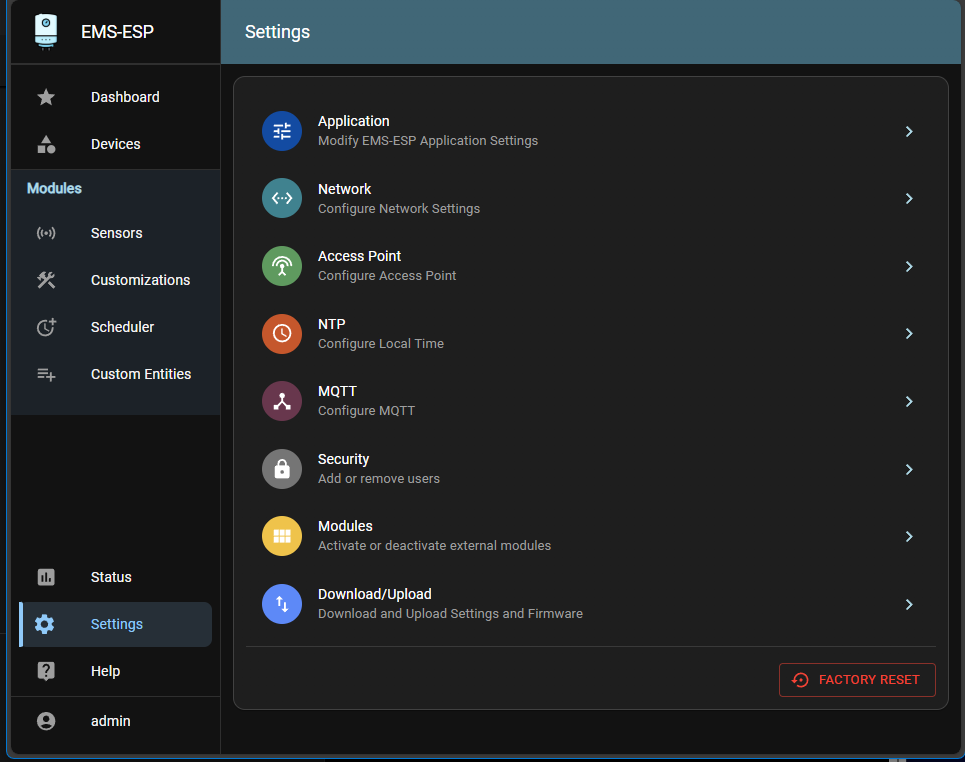
⚙️ System Settings
Configure system parameters and preferences
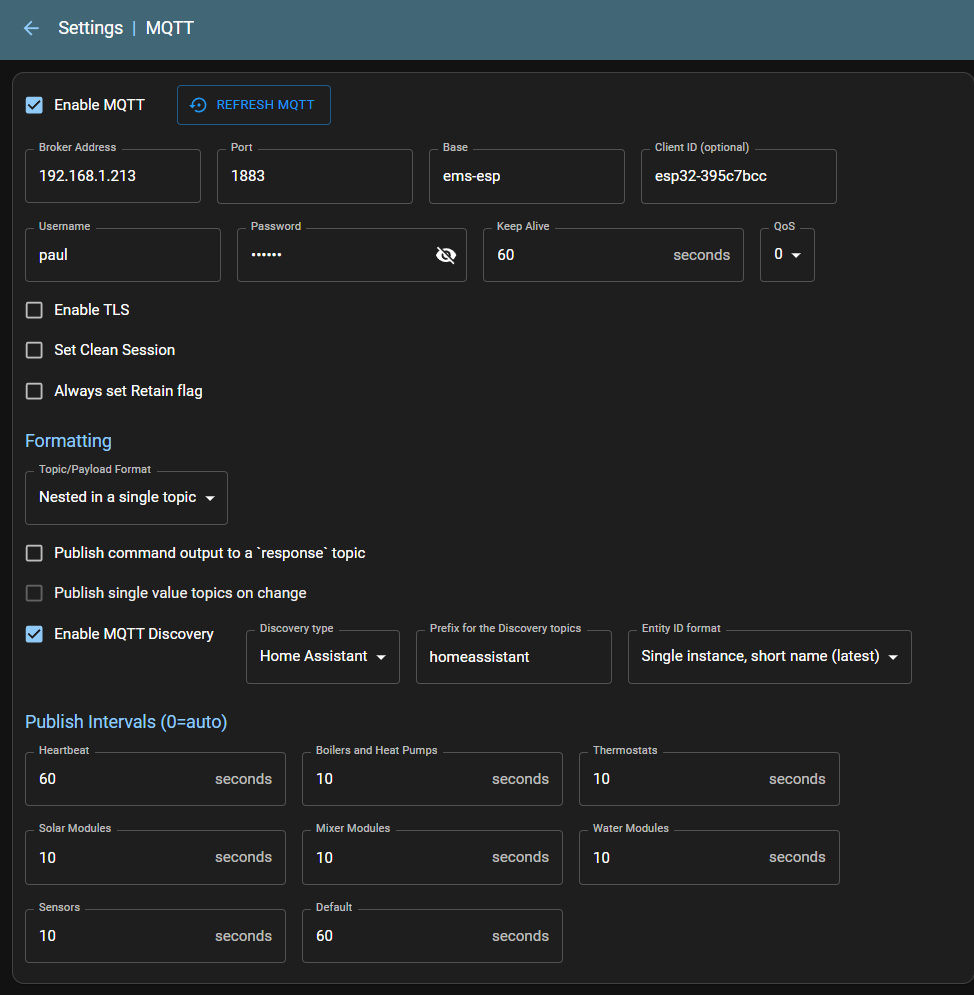
📡 MQTT Configuration
Set up MQTT broker connection and topics
✨ WebUI Features
📊 Real-time Monitoring
- Live data updates
- System status overview
- Device health monitoring
🔧 Easy Configuration
- Intuitive settings interface
- Device management tools
- Network configuration
🌐 Multi-language Support
- 11 supported languages
- Localized interface
- Customizable labels
📱 Responsive Design
- Mobile-friendly interface
- Tablet optimization
- Desktop compatibility
🚀 Quick Start
- Connect - Access via
http://ems-esp - Configure - Set up your devices
- Monitor - Watch real-time data